
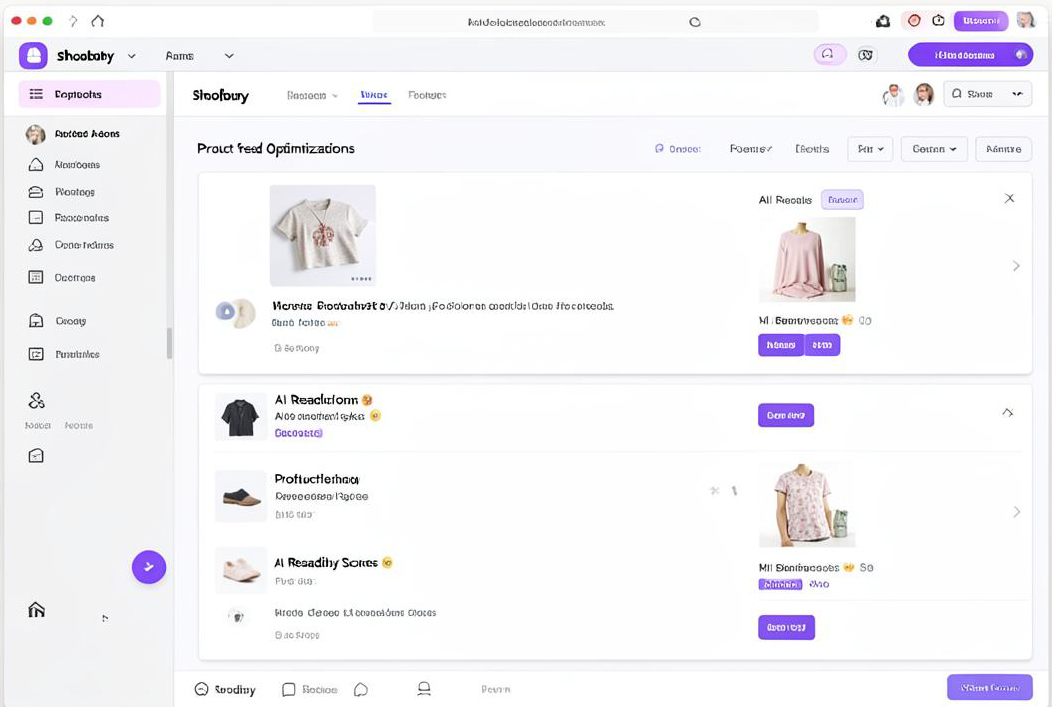









Download SEOkinda from your WordPress admin, or open the Shopify App Store listing for your store.
02
Connect your workspace
Sign in to SEOkinda and choose the workspace that should receive your site, product and performance data.
03
Approve the Google connection
Connect GA4, Search Console and Business Profile through the verified Google consent screen. You can revoke access at any time.
04
Start improving
Run your first audit, review AI visibility and publish the recommended schema or content from the place your team already works.
Answer engines monitored daily
ChatGPT
Gemini
Claude
Perplexity
Grok
AI Overviews
Why teams connect
Less exporting. More fixing.
The integrations keep your site, catalogue and performance signals connected to the same visibility workspace. Your team can see the opportunity, make the change and measure the result in one place.
Google-verified OAuth consent flow
No code changes required to get started
Revoke access whenever you choose
One reporting layer for site, store and search data
Install
Use the official marketplace listing.
Connect
Choose your workspace and permissions.
Improve
Take action from the data.
See your own brand's AI visibility score.
We will run your domain through SEOkinda live on the call—rankings, audit, AI citations and a local grid, in 20 minutes.